
JCID Face ID Repair Dot Matrix Flex Cable — iPhone XS
What It Is
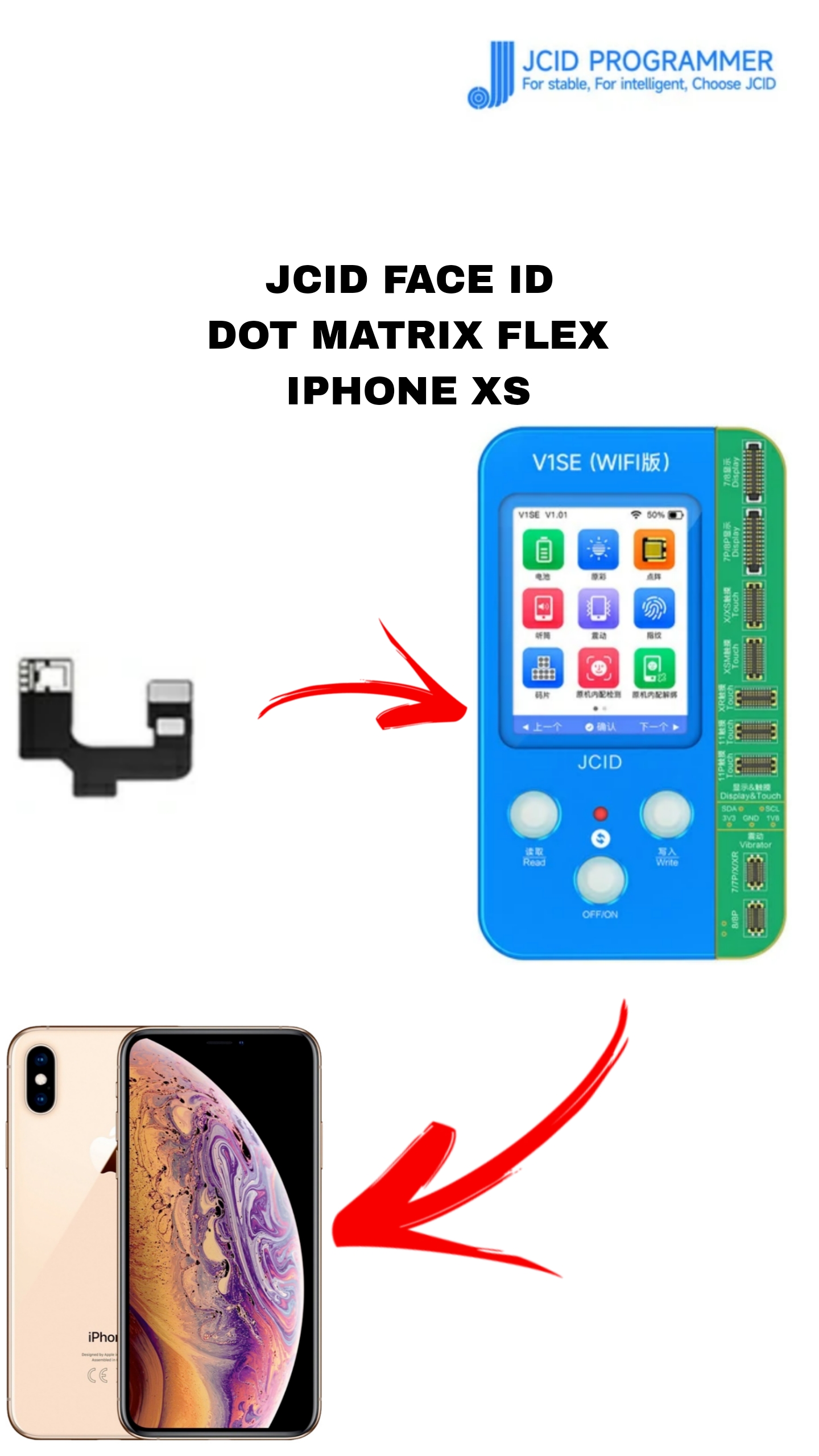
The JCID Face ID Dot Matrix Flex Cable is a repair accessory used in professional mobile servicing to fix Face ID hardware issues on the iPhone XS (and similar models). It’s part of the JCID Face ID repair ecosystem used with repair programmers and activation modules.
Main Purpose
✅ To restore Face ID functionality on iPhone XS units that have lost Face ID due to damage to the dot projector flex or front camera assembly.
This cable acts as a replacement or intermediate flex during the repair process so that the dot matrix projector (infrared projecting component) can be read, written, and re-activated by a JCID programmer.
Compatibility
🔹 Designed for: iPhone XS
⚠️ May also support some models with similar dot projector designs such as iPhone XR and XS Max depending on the specific JCID version used.
Key Features
• Dot Matrix Flex Cable — replaces or interfaces with the front camera’s dot projector signal path.
• JCID Repair Method Compatible — used with JCID tools like V1S Pro, V1SE, V1S and optionally with dot matrix activation/read–write modules.
• Supports Face ID Data Read/Write — allows the original Face ID calibration data to be read from the device and written to the new flex connection before installation.
• Black, Small PCB Flex — typically lightweight and small (fits inside the front flex connector area).
What It Helps Repair
This flex cable assists with fixing these Face ID problems:
✔ Dot projector damaged or not working
✔ Face ID not available / disabled
It does not fix logic board damage or security chip corruption.
How It Works (Overview)
-
Connect the JCID flex cable to the iPhone XS’s Face ID assembly instead of or alongside the original dot projector cable.
-
Use a JCID programmer (V1S Pro / V1SE / V1S) to read the original Face ID data from the handset.
-
Write that data into the JCID flex cable connection or adaptation setup so the phone trusts the new connection.
-
Activate and test Face ID before final reassembly.
Professional repair tools and software are required.
Requirements
🔧 Professional mobile repair skills (microsoldering may be needed)
🔧 JCID programming tools compatible with dot projector repairs
🔧 PC software to read/write Face ID data
Important Notes
⚠️ This part is not simply plug-and-play — it must be used as part of a proper Face ID repair workflow using JCID tools.
⚠️ If the Secure Enclave or logic board is damaged, this flex alone won’t restore Face ID.
Be the first to review “JCID FACE I’D REPAIR DOT MATRIX FLEX FOR IPHONE XS”
Related products
FPC
EARPIECE RECIEVER FPC FOR IPHONE XR JCID
JCID REAR CAMERA STRIP
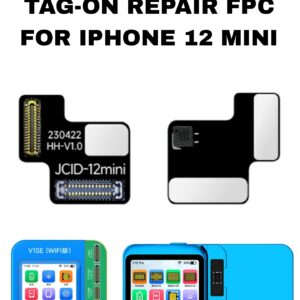
JCID REAR CAMERA TAG-ON REPAIR STRIP FOR IPHONE 12 MINI
CHARGING RIBBON
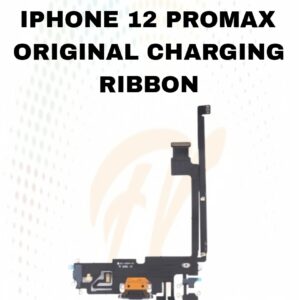
12 PRO MAX CHARGING FLEX
FPC
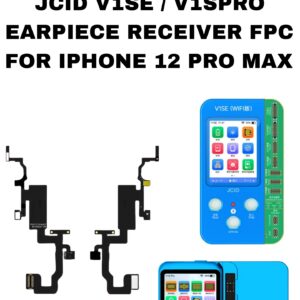
EARPIECE RECIEVER FPC FOR IPHONE 12 PRO MAX JCID
CHARGING RIBBON
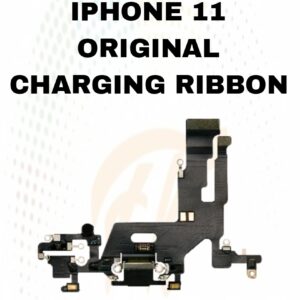
11 CHARGING RIBBON
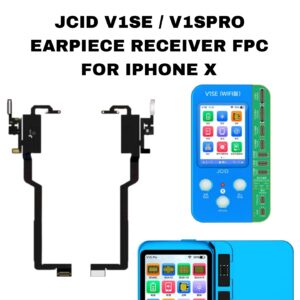
FPC
EARPIECE RECIEVER FPC FOR IPHONE X JCID
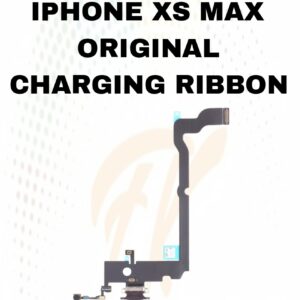
CHARGING RIBBON
XS MAX CHARGING RIBBON
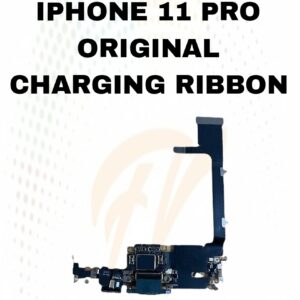
CHARGING RIBBON
Reviews
There are no reviews yet.