📌 Samsung Galaxy Note 9 Copy — S Pen Details (English)
🖊 Design & Build
-
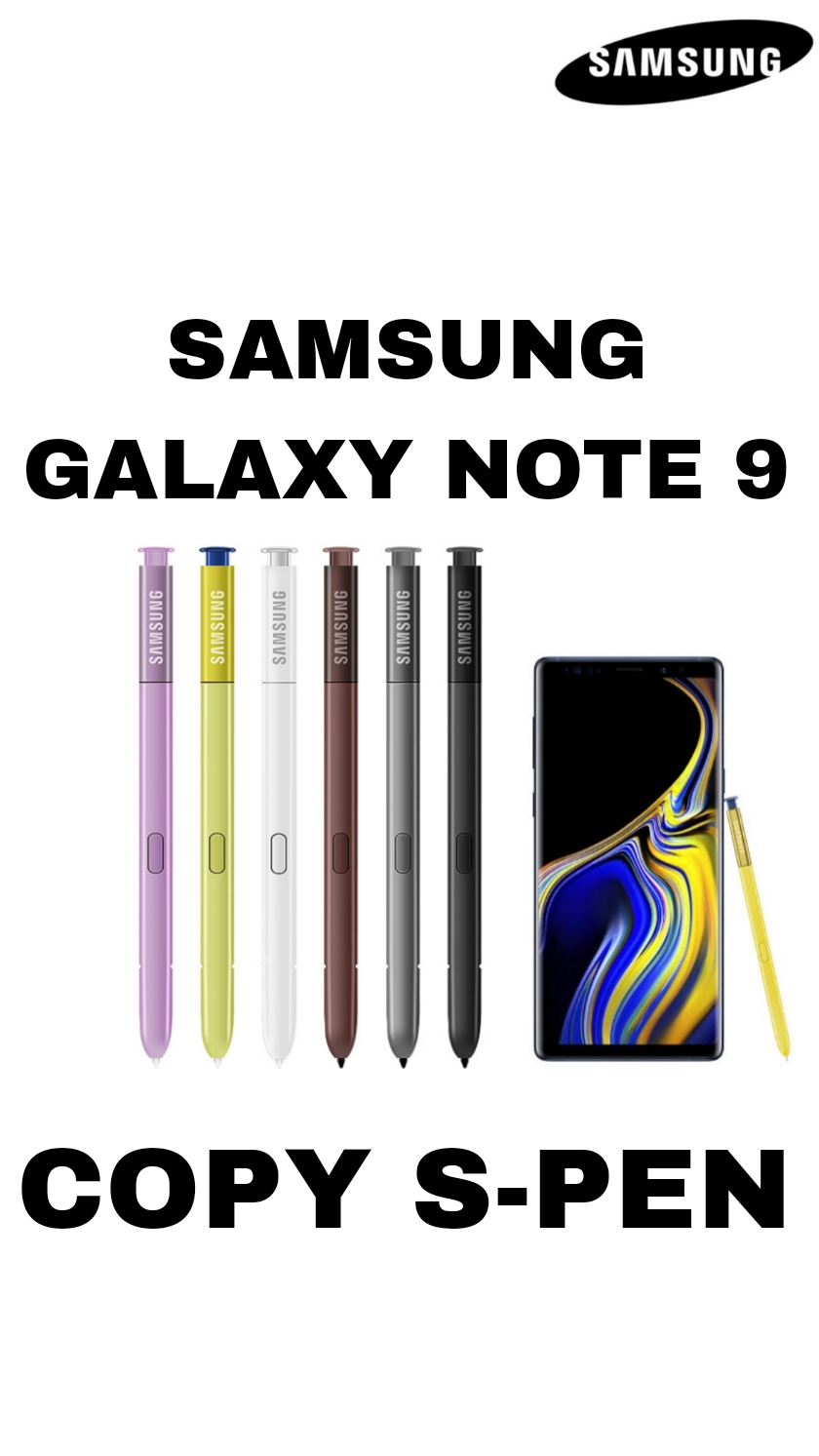
Looks like the original Samsung Note 9 S Pen.
-
Same shape and size as a real S Pen.
-
Usually comes in matching color (e.g., blue/black).
📱 Core Function
-
Works as a basic stylus for the touchscreen.
-
Allows you to:
-
Tap on icons & menus
-
Write or draw in apps
-
Navigate the phone
-
👉 No smart or advanced features — only touch input.
❌ What It Does Not Do
Unlike the original Samsung Note 9 S Pen, a copy does not include:
✔️ Bluetooth connectivity
✔️ Remote functions (like taking photos, controlling music)
✔️ Air commands / Air actions
✔️ Pressure sensitivity (drawing pressure levels)
✔️ Screen-off memo
✔️ Hover detection
⚡ Battery & Tech
-
No battery inside.
-
Functions as a passive stylus.
-
No charging required.
✍️ Writing & Drawing
-
Works as a regular capacitive stylus — similar to finger touch.
-
Lines and strokes do not change thickness based on pressure.
-
Some lag might be noticeable compared to real S Pens.
🧠 Compatibility Notes
-
Works with most apps that accept touch input.
-
Some Note-specific apps/features (like Air Command, Smart Select) will not work.
🆚 Summary: Real S Pen vs Copy S Pen
| Feature | Real Note 9 S Pen | Copy S Pen |
|---|---|---|
| Bluetooth | ✅ Yes | ❌ No |
| Remote Control | ✅ Yes | ❌ No |
| Air Actions | ✅ Yes | ❌ No |
| Pressure Sensitivity | ✅ Yes | ❌ No |
| Screen-off Notes | ✅ Yes | ❌ No |
| Basic Touch | ✅ Yes | ✅ Yes |
Be the first to review “SAMSUNG GALAXY NOTE 9 COPY S PEN”
Related products
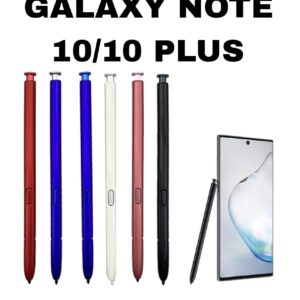
COPY S PEN
SAMSUNG GALAXY NOTE 10/10 PLUS COPY S PEN
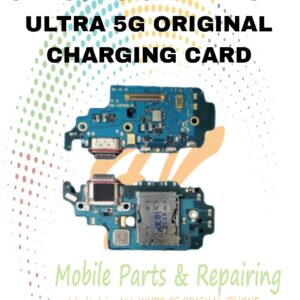
CHARGING CARD
S21 ULTRA 5G ORIGINAL CHARGING CARD
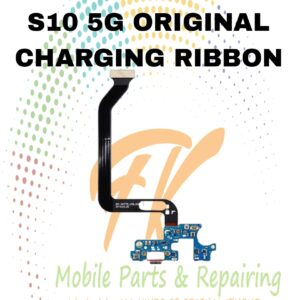
RIBBONS
S10 5G ORIGINAL CHARGING RIBBON
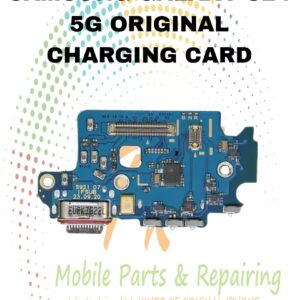
CHARGING CARD
S24 5G ORIGINAL CHARGING CARD
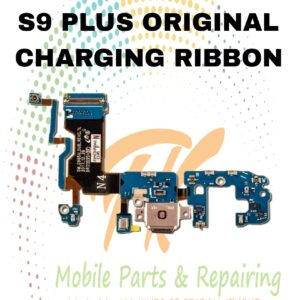
RIBBONS
S9 PLUS ORIGINAL CHARGING RIBBON
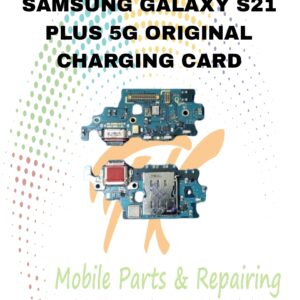
CHARGING CARD
S21 PLUS 5G ORIGINAL CHARGING CARD
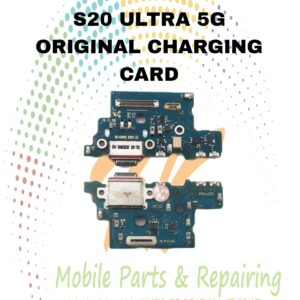
CHARGING CARD
S20 ULTRA 5G CHARGING CARD
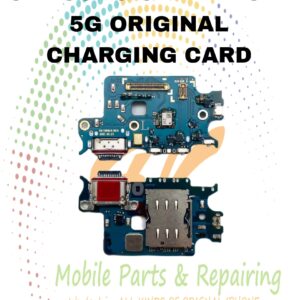
CHARGING CARD
Reviews
There are no reviews yet.