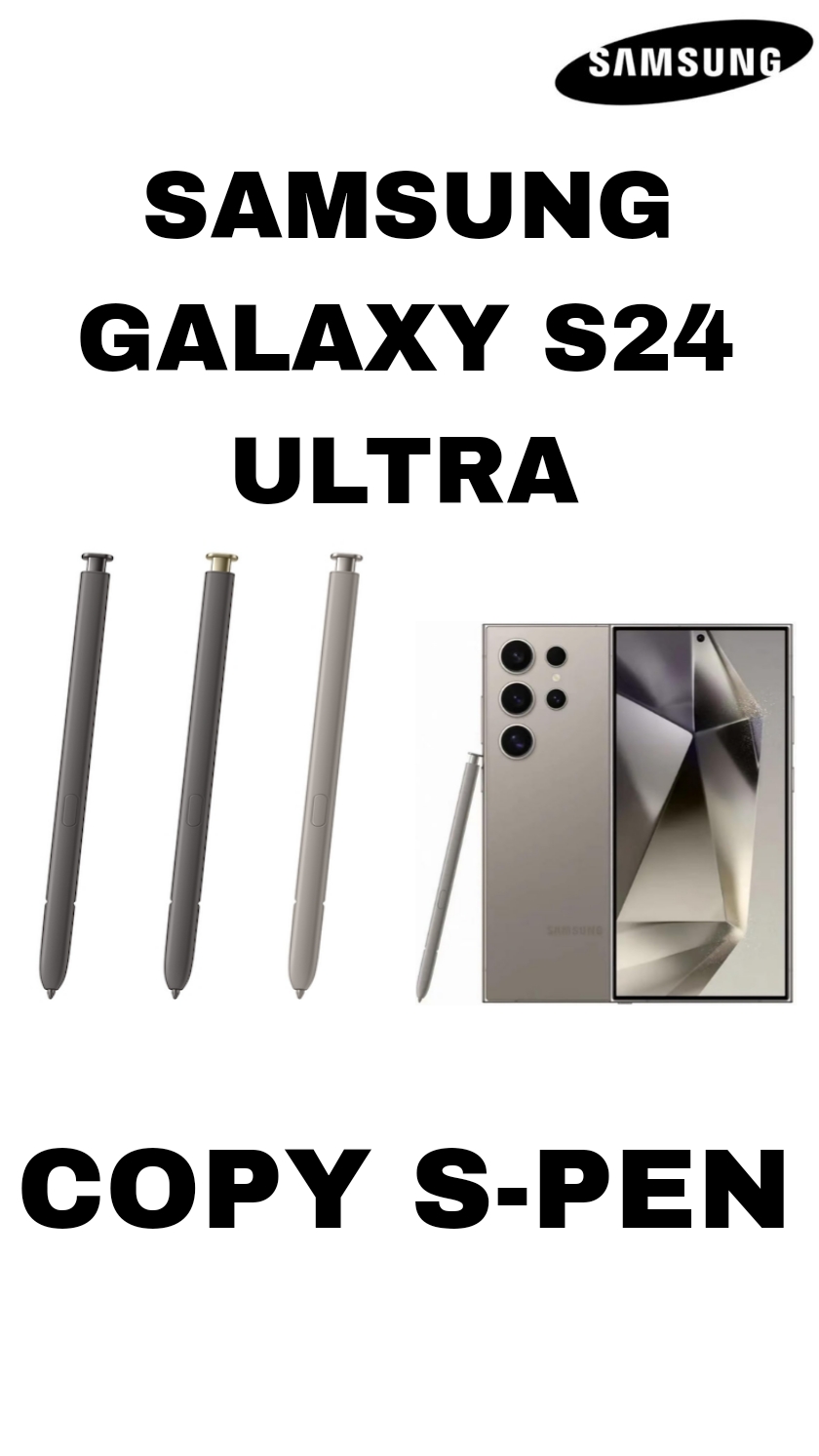
🖊️ Samsung Galaxy S24 Ultra S Pen — Overview
The Samsung Galaxy S24 Ultra comes with a built-in S Pen stylus that you store and charge inside the phone — just like Samsung’s Ultra series tradition.
📍 Basic Specs (what the pen can do)
✔ Pressure Sensitivity: up to 4,096 pressure levels — for natural writing and drawing.
✔ Low Latency: very fast response (~2.8 ms) — feels like writing on paper.
✔ Built-in Battery: charges automatically when docked inside the phone.
✔ IP Rating: water and dust resistant (IP68 level).
✔ Bluetooth + Button: the pen includes a button for extra controls (e.g., Air actions).
Note: S Pen support is only on the Galaxy S24 Ultra — the regular S24 and S24+ do not support the S Pen even if you buy one separately.
✍️ Core Writing & Note Features
🗒️ Handwriting & Notes
-
Write naturally in Samsung Notes or on the screen.
-
The S Pen can convert handwriting to text automatically.
-
New AI-powered options include auto formatting, spell-check, summarizing, and translation of your handwritten notes.
-
If your handwriting is messy, the “Clean up” tool straightens lines and spaces your words nicely.
📱 Productivity & Navigation Tools
🧠 Air Command & Shortcuts
The S Pen brings up a menu of tools called Air Command — a quick access panel for key features like Smart Select, Screen Write, Translate, and Notes.
📸 Remote Control Functions
With the built-in Bluetooth and button, you can:
-
Take photos without touching the screen.
-
Control presentations or media playback with gestures and button presses.
🎨 Creative Modes
-
Draw sketches or digital art in Samsung Notes or apps like PENUP.
-
Write on a screen-off memo — just pull out the S Pen and start writing right away.
📸 Extra Smart Features
Samsung’s software can do some AI tricks with the S Pen:
✔ Summarize your notes automatically
✔ Translate handwritten text
✔ Extract text from images
✔ Improve and organize notes with formatting tools
These features make the S24 Ultra’s S Pen more than just a stylus — it acts like a smart productivity and creativity accessory.
📌 Quick Summary
Samsung Galaxy S24 Ultra’s S Pen gives you:
-
Precise writing and drawing with 4,096 pressure sensitivity
-
AI-enhanced note conversion, formatting, and translation
-
Remote controls via Bluetooth for camera/media
-
Built-in charging and sleek integration with the phone
-
Tools like Air Command, Screen Write, and Smart Select
Be the first to review “SAMSUNG GALAXY S24 ULTRA COPY S PEN”
Related products
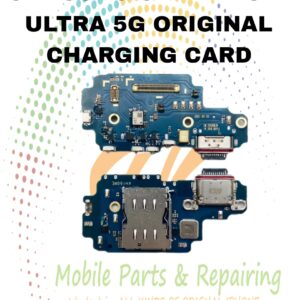
CHARGING CARD
S24 PLUS ORIGINAL CHARGING CARD
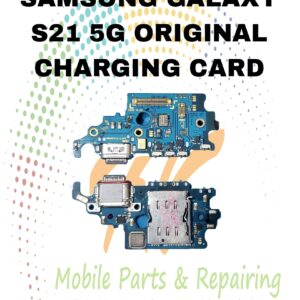
CHARGING CARD
S22 ULTRA ORIGINAL CHARGING CARD
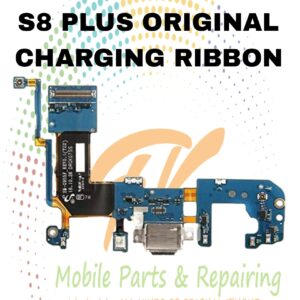
CHARGING CARD
S21 5G ORIGINAL CHARGING CARD
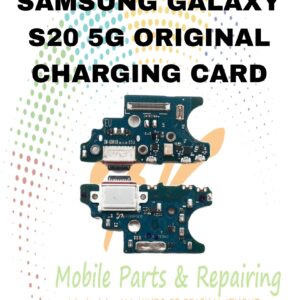
RIBBONS
S8 PLUS ORIGINAL CHARGING RIBBON
CHARGING CARD
S20 5G ORIGINAL CHARGING CARD
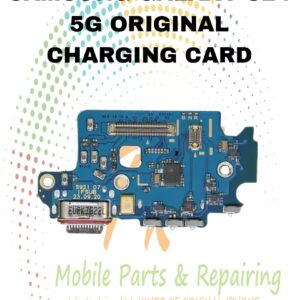
CHARGING CARD
S24 5G ORIGINAL CHARGING CARD
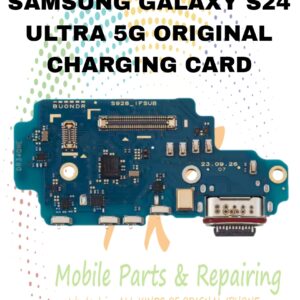
CHARGING CARD
S24 ULTRA ORIGINAL CHARGING CARD
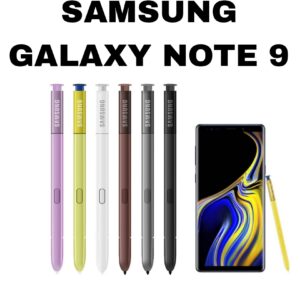
COPY S PEN
Reviews
There are no reviews yet.