✅ What is this part
-
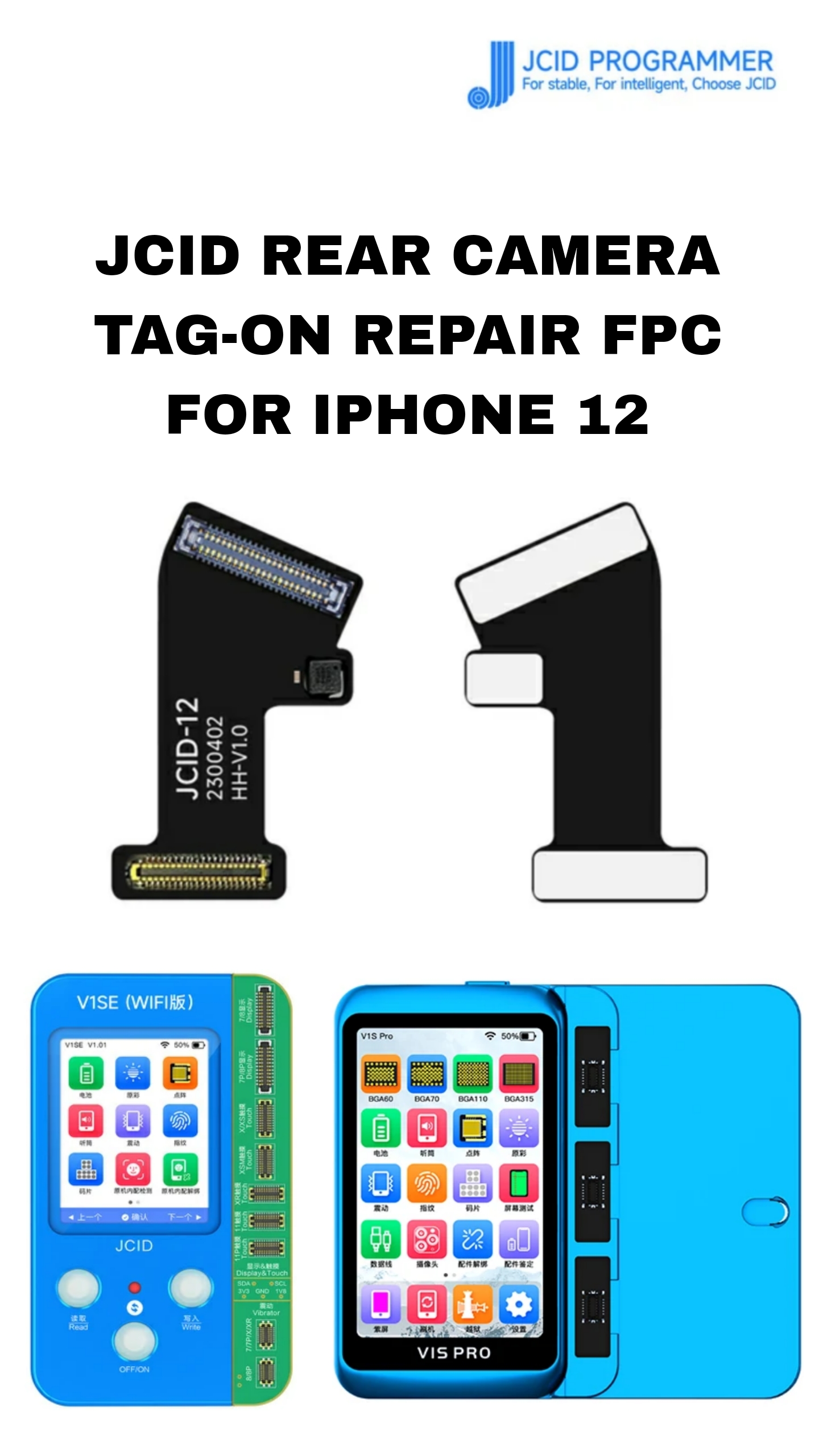
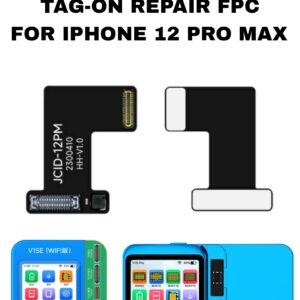
It’s a “tag-on” flex cable (FPC) made by JCID designed for rear-camera repair on iPhones (including iPhone 12, 12 Pro/Pro Max, etc.).“Tag-on” means: instead of replacing the entire camera module or doing complicated soldering, you attach (hook/buckle) this flex cable to adapt/reprogram a replacement (or aftermarket) rear camera so the phone recognizes it as original.
🔧 What problems it solves / Why you’d use it
-
If you replace the rear (wide-angle) camera on your iPhone 12 with a non-genuine (aftermarket) camera, you often get “code mismatch” errors, “unknown part” warnings, or pop-ups from iOS. This part helps bypass those camera-ID mismatches so the phone accepts the replacement as legitimate.It avoids or reduces the need to solder or permanently modify hardware — making it easier for repair shops or technicians (even beginners) to install.
-
Restores proper camera functionality (wide-angle rear camera) even after a replacement, without iOS warnings or performance issues.
✅ Key Specifications & Compatibility
-
Designed for: iPhone 12 / iPhone 12 Pro / iPhone 12 Pro Max / iPhone 12 mini (and many 12-series models) when performing rear-camera replacement.Type: Tag-On Wide Angle Rear Camera Repair Flex Cable (FPC) by JCID.
-
Installation: No soldering required — just “tag on / hook up / fold & install.”
-
Function: Fixes code-matching / pop-up issues caused by non-genuine / replacement cameras
⚠️ Important Notes & Limitations
-
This part alone doesn’t physically replace the camera module — rather it works with a replacement camera: you need to have (or install) the rear camera module, then attach this FPC to make the phone accept it as original.
-
Because of how iPhone security works (camera pairing, serial verification, etc.), using aftermarket cameras + FPC may still carry some risk compared to genuine Apple parts (though the JCID solution is designed to minimize that).
-
It’s recommended that this be installed by a professional technician or someone familiar with iPhone repairs — improper installation might lead to camera malfunction or detection issues
📝 Summary — When to Use This
Use the JCID Rear Camera Tag-On FPC when:
-
You are replacing the rear camera on an iPhone 12 (or related 12-series) with a non-original / aftermarket camera.
-
The phone shows errors like “camera unknown,” “code mismatch,” or pop-ups after replacement.
-
You want to restore full rear-camera functionality (wide-angle) without complicated soldering or module-replacement.
-
You (or the technician) want a relatively easy, repair-shop-friendly fix that lets the camera work properly.
Be the first to review “JCID REAR CAMERA TAG-ON REPAIR STRIP FOR IPHONE 12”
Related products
JCID REAR CAMERA STRIP
JCID REAR CAMERA TAG-ON REPAIR STRIP FOR IPHONE 12 MINI
JCID REAR CAMERA STRIP
JCID REAR CAMERA TAG-ON REPAIR STRIP FOR IPHONE 12 PRO MAX
FPC
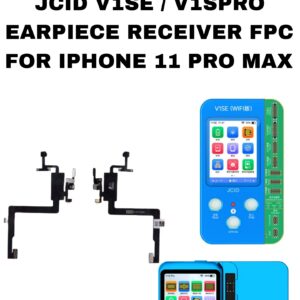
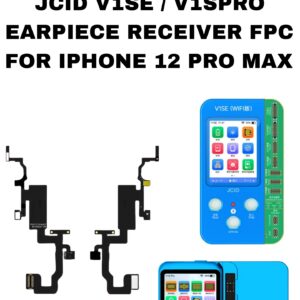
EARPIECE RECIEVER FPC FOR IPHONE 11 PRO MAX JCID
CHARGING RIBBON
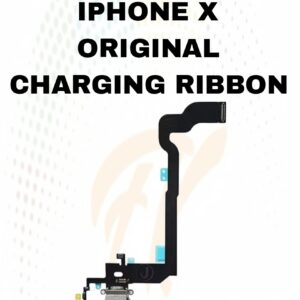
X CHARGING RIBBON
CHARGING RIBBON
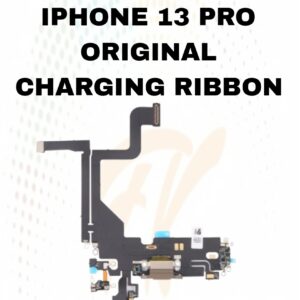
13 PRO CHARGING FLEX
JCID REAR CAMERA STRIP
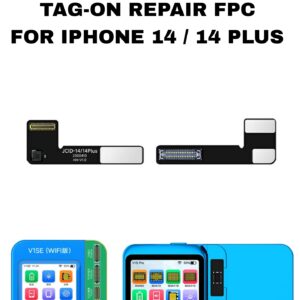
JCID REAR CAMERA TAG-ON REPAIR STRIP FOR IPHONE 14/14 PLUS
CHARGING RIBBON
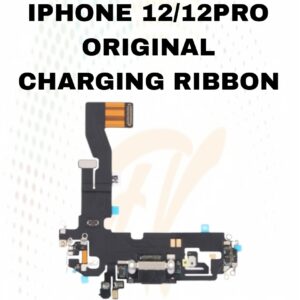
12 / 12 PRO CHARGING RIBBON
FPC
Reviews
There are no reviews yet.