✅ What is it
-
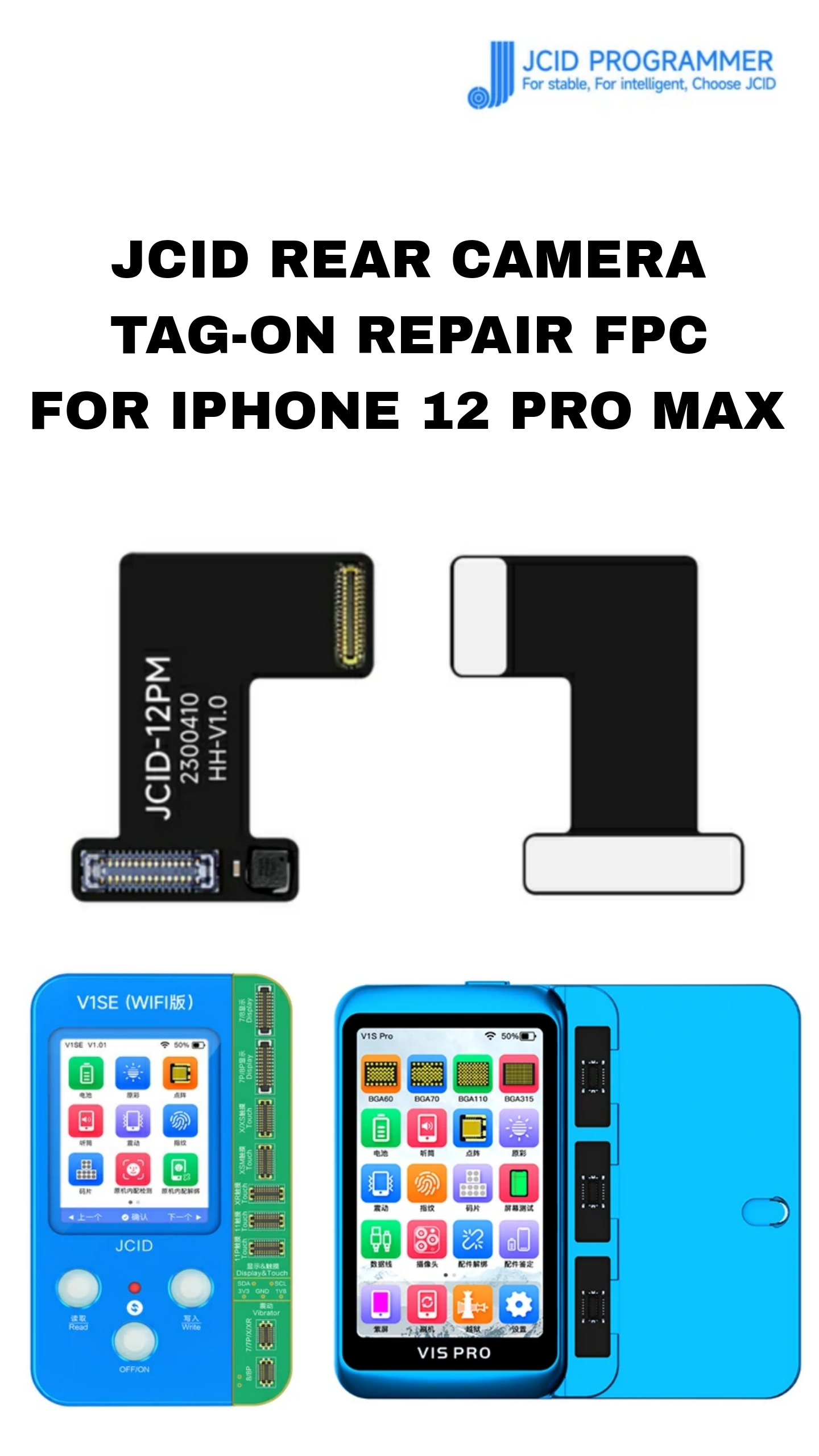
It’s a “tag-on” rear-camera repair flex cable (FPC) from JCID designed for use with the rear wide-angle camera of iPhone 12 Pro Max.
-
It’s intended for cases where the original camera module is replaced by a non-genuine (aftermarket) module, or after camera replacement — especially when the new module triggers “code-matching” or “pop-up window” issues.
-
Instead of soldering, the “tag-on” design allows simpler installation: you “buckle and fold” the flex cable, attach it to the camera module + mainboard via the repair adapter (e.g. with a programmer such as JCID V1S Pro / JCID V1SE).
🔧 What problems it solves / Why it’s used
-
Code-matching / authentication issues: When you replace the original iPhone camera with a non-genuine one, iOS may show errors such as “Unknown Part,” “Cannot verify camera,” or disable certain features because camera firmware doesn’t match the board. The JCID tag-on FPC is meant to “fix” these issues by providing a bridge/adaptor that allows the new camera to appear “compatible.”
-
Pop-up warning prevention: Without this FPC, iOS may show warnings/pop-up windows about an unsupported camera. The tag-on FPC aims to suppress those pop-ups.
-
No soldering required: Since many phone-repair shops / technicians may not do micro-soldering (or want to avoid it), this cable allows a simpler “plug-and-fix” style solution, which is easier for less-experienced technicians.
🧰 What you need to use it successfully
-
A compatible programmer / repair tool: JCID recommends using their repair tools (V1S Pro / V1SE) along with this FPC.
-
The replacement rear camera module (wide-angle) — often non-genuine or third-party.
-
Basic experience in iPhone hardware repair or a technician who knows how to disassemble iPhone 12 Pro Max and install flex cables properly. (Although no soldering is needed, proper handling is still required.)
-
For best results, you may need to “reprogram” the flex cable via the JCID programmer so the phone accepts the replacement camera.
⚠️ What it DOES NOT guarantee / Limitations to be aware of
-
It does not guarantee the replacement camera will perform exactly like the original — image quality, autofocus, image stabilization, LiDAR / depth / portrait mode behavior may still differ depending on the quality of the replacement camera module.
-
If other components (e.g. LiDAR, gyro, sensor modules) tied to camera functionality aren’t compatible or correctly installed, certain camera features may remain broken.
-
Because this is a “repair workaround,” it may not restore full “OEM-like” behavior, and some features (or firmware-based protections) might still be inaccessible.
-
The repair may void any warranty and will likely break the original device’s security/repair warranty (something common with non-Apple repairs).
-
Documentation and support depend on using JCID’s own tools and software, which may not be widely available everywhere — must ensure you have the correct version and compatible setup.
Be the first to review “JCID REAR CAMERA TAG-ON REPAIR STRIP FOR IPHONE 12 PRO MAX”
Related products
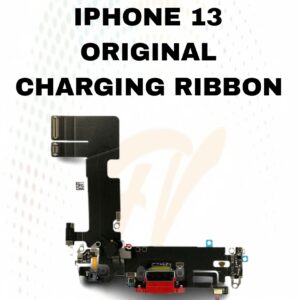
CHARGING RIBBON
13 CHARGING FLEX
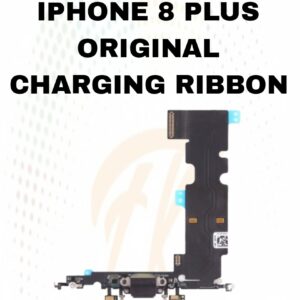
CHARGING RIBBON
8 PLUS CHARGING RIBBON
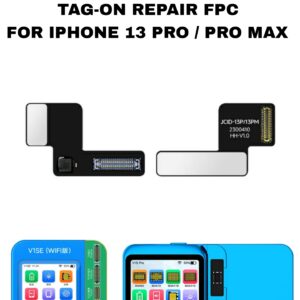
JCID REAR CAMERA STRIP
JCID REAR CAMERA TAG-ON REPAIR STRIP FOR IPHONE 13 PRO/13 PRO MAX
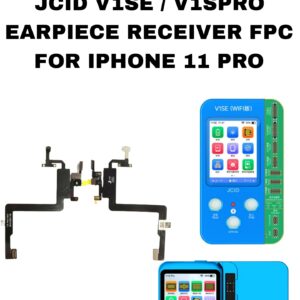
FPC
EARPIECE RECIEVER FPC FOR IPHONE 11 PROJCID

JCID REAR CAMERA STRIP
JCID REAR CAMERA TAG-ON REPAIR STRIP FOR IPHONE 12
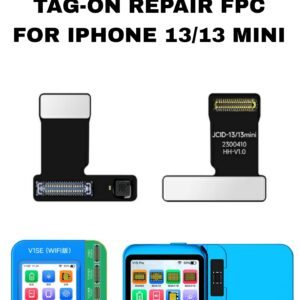
JCID REAR CAMERA STRIP
JCID REAR CAMERA TAG-ON REPAIR STRIP FOR IPHONE 13/13 MINI
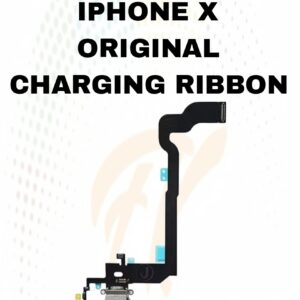
CHARGING RIBBON
X CHARGING RIBBON
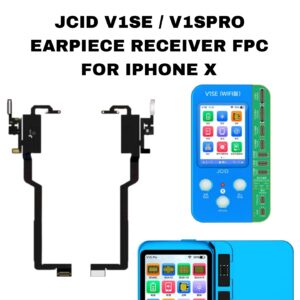
FPC
Reviews
There are no reviews yet.