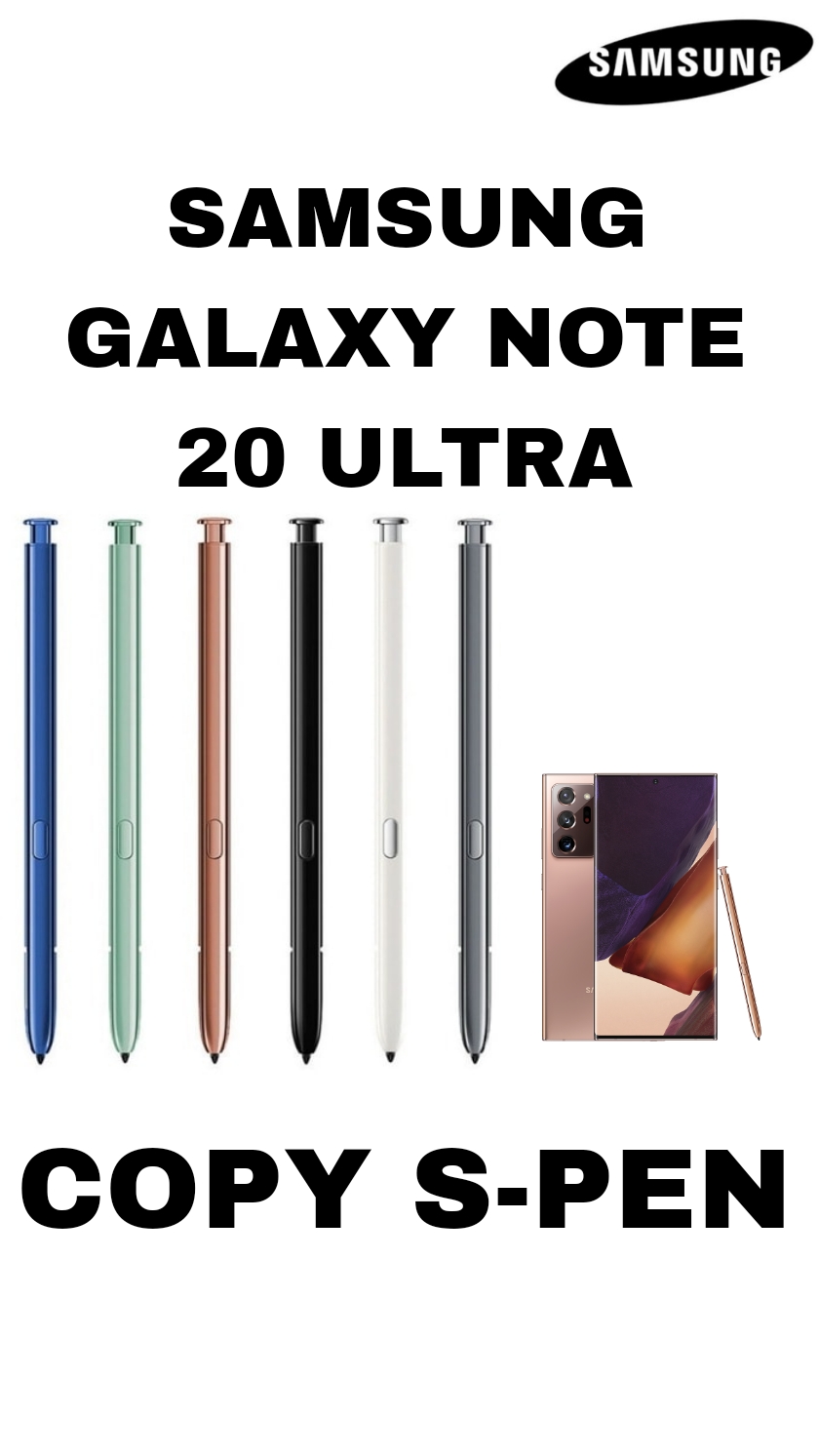
📌 Compatible / Copy S Pen for Samsung Galaxy Note 20 Ultra – Details in English
🖊️ What It Is
A copy or replacement S Pen (sometimes listed as compatible stylus) is a non-original accessory designed to work with the Samsung Galaxy Note 20 Ultra — it imitates the original S Pen functionality but is usually cheaper and aftermarket (not Samsung branded).
📱 Compatibility
✔ Works with Samsung Galaxy Note 20 Ultra and also Galaxy Note 20 / Note20 5G phones (touch and stylus features).
✍️ Basic Functions It Can Do
-
Stylus writing & drawing on screen: Able to write notes, sketch, draw, highlight text, etc.
-
Pressure sensitivity: Some versions list 4096 pressure levels for smoother input (close to the original experience).
-
Touch & navigation: Works like a finger on the display — tap, scroll, select.
🔋 Power & Connectivity
-
🟢 Without Bluetooth: Many cheap copy pens don’t support Bluetooth — they act like a regular stylus without extra remote functions.
-
🟡 With Bluetooth (in some aftermarket models): Some “copy” pens claim Bluetooth connection with your phone and may offer extra features like remote use (e.g., camera click or menu control) — but their performance is often limited compared to the official Samsung S Pen.
-
❌ No Samsung Air Actions guarantee: Even if a copy pen has Bluetooth, Air Actions or remote gestures may not work reliably or at all — official Samsung S Pen features are hard to replicate perfectly with cheap copies.
📋 Features You Might Expect
Typical supported functions:
-
Writing, drawing, note-taking
-
Basic touchscreen control
-
Pressure responsiveness
-
Replaceable tips (some kits include extra nibs)
Likely not supported or limited:
-
Genuine Samsung Air Gesture controls
-
Reliable Bluetooth remote functions
-
Low-latency optimized performance like Samsung’s original S Pen
🧩 Physical & Build Quality
-
Usually plastic body with replaceable tips (nibs).
-
Shape and size mimic original Galaxy Note 20 Ultra S Pen, so it fits well and feels similar.
-
Colors and finish may vary (black, bronze, or mixed colors offered by third-party sellers).
💡 Tips Before You Buy
✔ Check if Bluetooth is actually real (many cheap listings say “Bluetooth” but don’t deliver full functionality).
✔ Read reviews from buyers for smooth writing and pressure response.
✔ Look for replacement nibs/tips included — that improves long-term use.
Be the first to review “SAMSUNG GALAXY NOTE 20 ULTRA COPY S PEN”
Related products
CHARGING CARD
S22 5G ORIGINAL CHARGING CARD
CHARGING CARD
S20 ULTRA 5G CHARGING CARD
CHARGING CARD
S20 PLUS 5G CHARGING CARD
CHARGING CARD
S22 ULTRA ORIGINAL CHARGING CARD
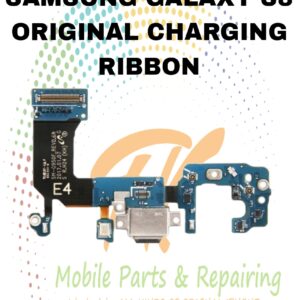
RIBBONS
S8 ORIGINAL CHARGING RIBBON
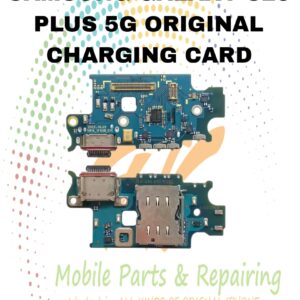
CHARGING CARD
S23 PLUS 5G ORIGINAL CHARGING CARD
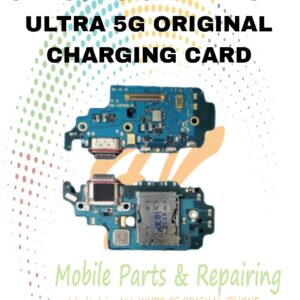
CHARGING CARD
S21 ULTRA 5G ORIGINAL CHARGING CARD
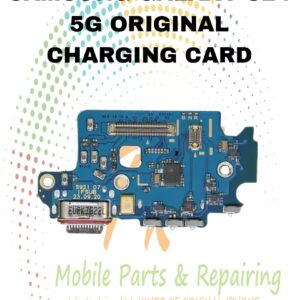
CHARGING CARD
Reviews
There are no reviews yet.