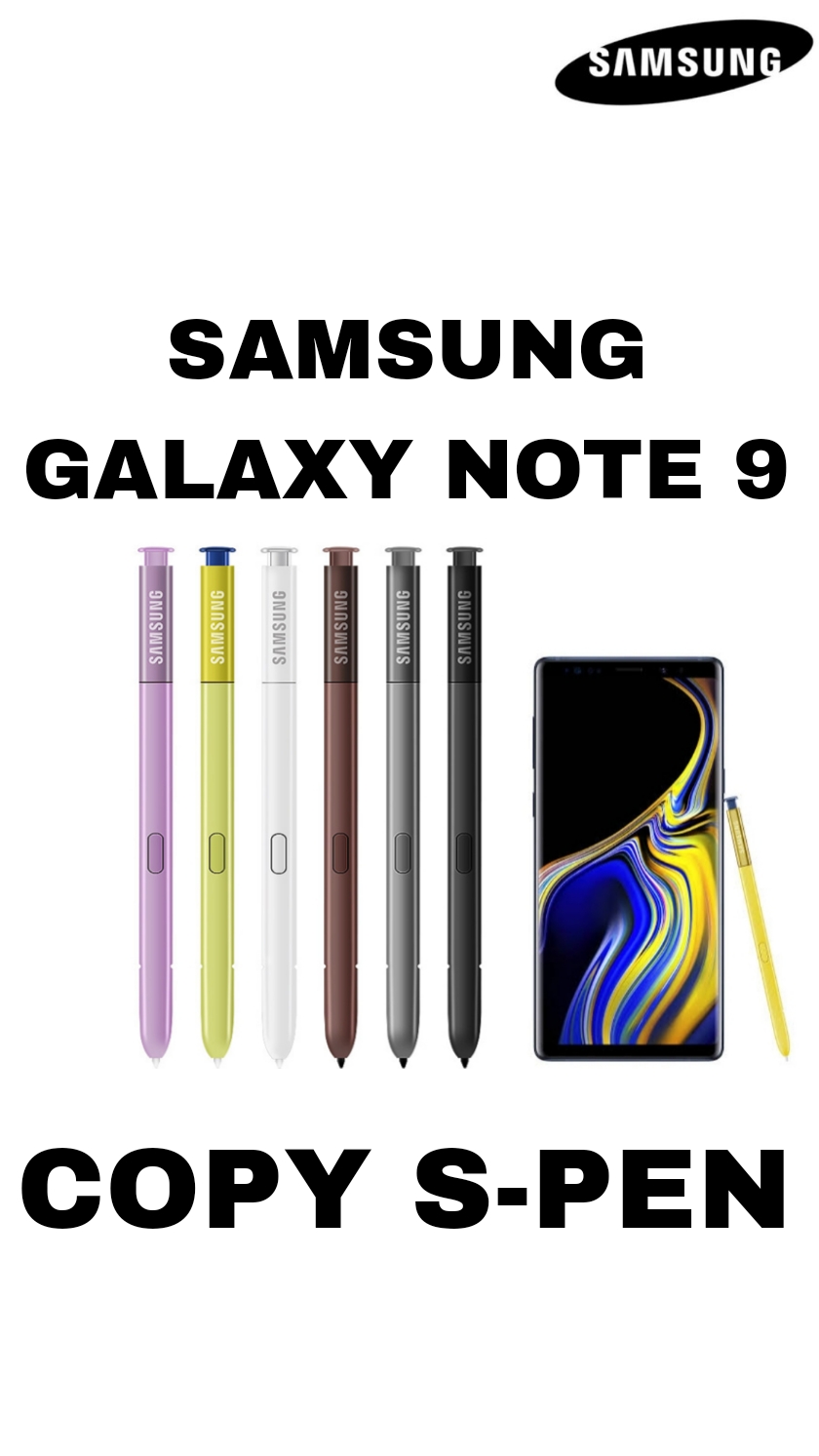
?? Samsung Galaxy Note 9 Copy ? S Pen Details (English)
\n?? Design & Build
\n-
\n
-
\n
Looks like the original Samsung Note 9 S Pen.
\n
\n -
\n
Same shape and size as a real S Pen.
\n
\n -
\n
Usually comes in matching color (e.g., blue/black).
\n
\n
?? Core Function
\n-
\n
-
\n
Works as a basic stylus for the touchscreen.
\n
\n -
\n
Allows you to:
\n \n-
\n
-
\n
Tap on icons & menus
\n
\n -
\n
Write or draw in apps
\n
\n -
\n
Navigate the phone
\n
\n
\n -
\n
?? No smart or advanced features ? only touch input.
\n \n? What It Does Not Do
\nUnlike the original Samsung Note 9 S Pen, a copy does not include:
\n?? Bluetooth connectivity
?? Remote functions (like taking photos, controlling music)
?? Air commands / Air actions
?? Pressure sensitivity (drawing pressure levels)
?? Screen-off memo
?? Hover detection
? Battery & Tech
\n-
\n
-
\n
No battery inside.
\n
\n -
\n
Functions as a passive stylus.
\n
\n -
\n
No charging required.
\n
\n
?? Writing & Drawing
\n-
\n
-
\n
Works as a regular capacitive stylus ? similar to finger touch.
\n
\n -
\n
Lines and strokes do not change thickness based on pressure.
\n
\n -
\n
Some lag might be noticeable compared to real S Pens.
\n
\n
?? Compatibility Notes
\n-
\n
-
\n
Works with most apps that accept touch input.
\n
\n -
\n
Some Note-specific apps/features (like Air Command, Smart Select) will not work.
\n
\n
\n \n
?? Summary: Real S Pen vs Copy S Pen
\n| Feature | \nReal Note 9 S Pen | \nCopy S Pen | \n
|---|---|---|
| Bluetooth | \n? Yes | \n? No | \n
| Remote Control | \n? Yes | \n? No | \n
| Air Actions | \n? Yes | \n? No | \n
| Pressure Sensitivity | \n? Yes | \n? No | \n
| Screen-off Notes | \n? Yes | \n? No | \n
| Basic Touch | \n? Yes | \n? Yes | \n