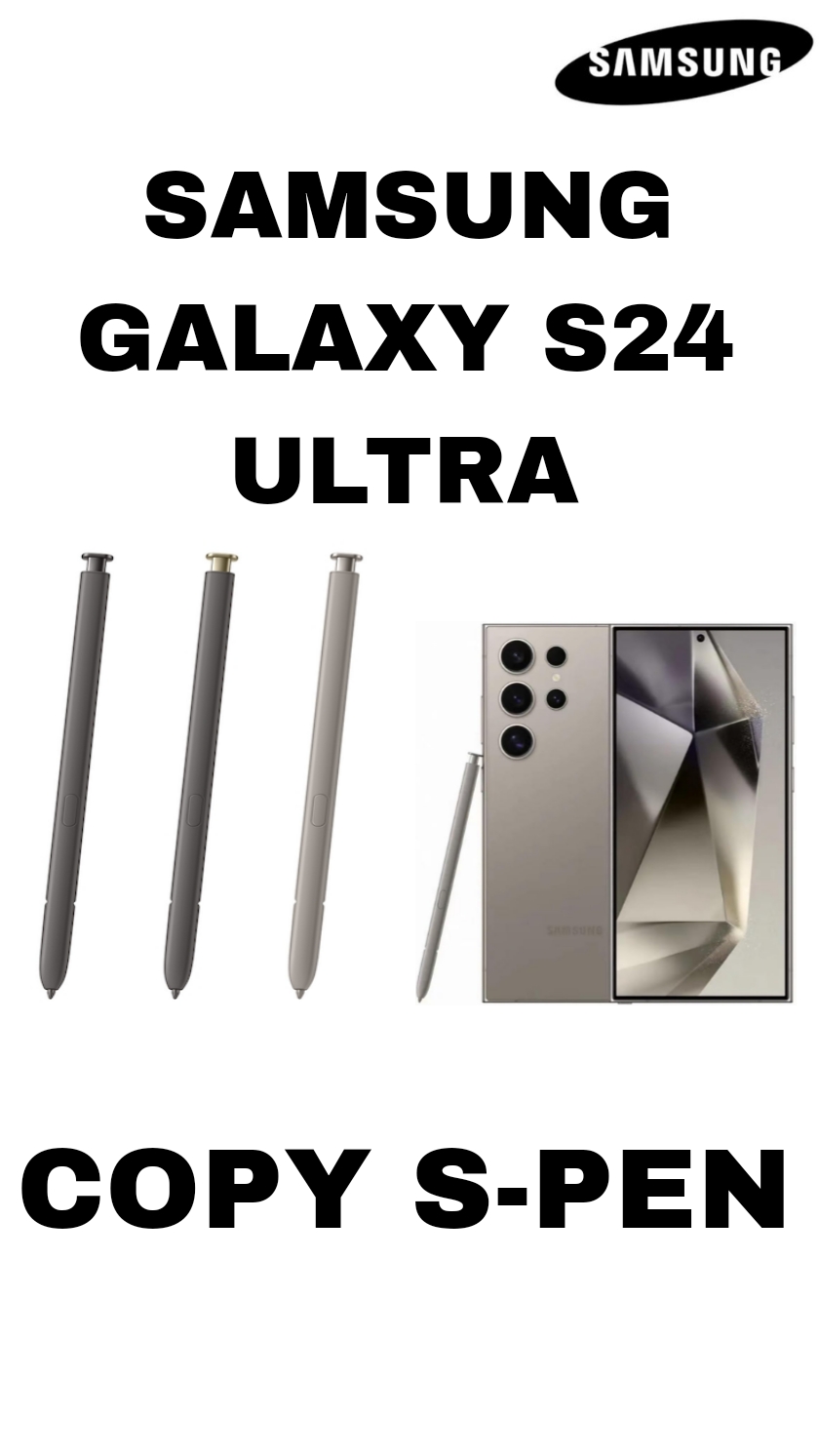
??? Samsung Galaxy S24 Ultra S Pen ? Overview
\nThe Samsung Galaxy S24 Ultra comes with a built-in S Pen stylus that you store and charge inside the phone ? just like Samsung?s Ultra series tradition.
\n \n?? Basic Specs (what the pen can do)
\n? Pressure Sensitivity: up to 4,096 pressure levels ? for natural writing and drawing.
? Low Latency: very fast response (~2.8 ms) ? feels like writing on paper.
? Built-in Battery: charges automatically when docked inside the phone.
? IP Rating: water and dust resistant (IP68 level).
? Bluetooth + Button: the pen includes a button for extra controls (e.g., Air actions).
\n\n \nNote: S Pen support is only on the Galaxy S24 Ultra ? the regular S24 and S24+ do not support the S Pen even if you buy one separately.
\n
\n \n
?? Core Writing & Note Features
\n??? Handwriting & Notes
\n-
\n
-
\n
Write naturally in Samsung Notes or on the screen.
\n
\n -
\n
The S Pen can convert handwriting to text automatically.
\n
\n -
\n
New AI-powered options include auto formatting, spell-check, summarizing, and translation of your handwritten notes.
\n
\n -
\n
If your handwriting is messy, the ?Clean up? tool straightens lines and spaces your words nicely.
\n
\n
\n \n
?? Productivity & Navigation Tools
\n?? Air Command & Shortcuts
\nThe S Pen brings up a menu of tools called Air Command ? a quick access panel for key features like Smart Select, Screen Write, Translate, and Notes.
\n \n?? Remote Control Functions
\nWith the built-in Bluetooth and button, you can:
\n \n-
\n
-
\n
Take photos without touching the screen.
\n
\n -
\n
Control presentations or media playback with gestures and button presses.
\n
\n
\n \n
?? Creative Modes
\n-
\n
-
\n
Draw sketches or digital art in Samsung Notes or apps like PENUP.
\n
\n -
\n
Write on a screen-off memo ? just pull out the S Pen and start writing right away.
\n
\n
\n \n
?? Extra Smart Features
\nSamsung?s software can do some AI tricks with the S Pen:
\n? Summarize your notes automatically
? Translate handwritten text
? Extract text from images
? Improve and organize notes with formatting tools
These features make the S24 Ultra?s S Pen more than just a stylus ? it acts like a smart productivity and creativity accessory.
\n \n \n\n \n
?? Quick Summary
\nSamsung Galaxy S24 Ultra?s S Pen gives you:
\n \n-
\n
-
\n
Precise writing and drawing with 4,096 pressure sensitivity
\n
\n -
\n
AI-enhanced note conversion, formatting, and translation
\n
\n -
\n
Remote controls via Bluetooth for camera/media
\n
\n -
\n
Built-in charging and sleek integration with the phone
\n
\n -
\n
Tools like Air Command, Screen Write, and Smart Select
\n
\n