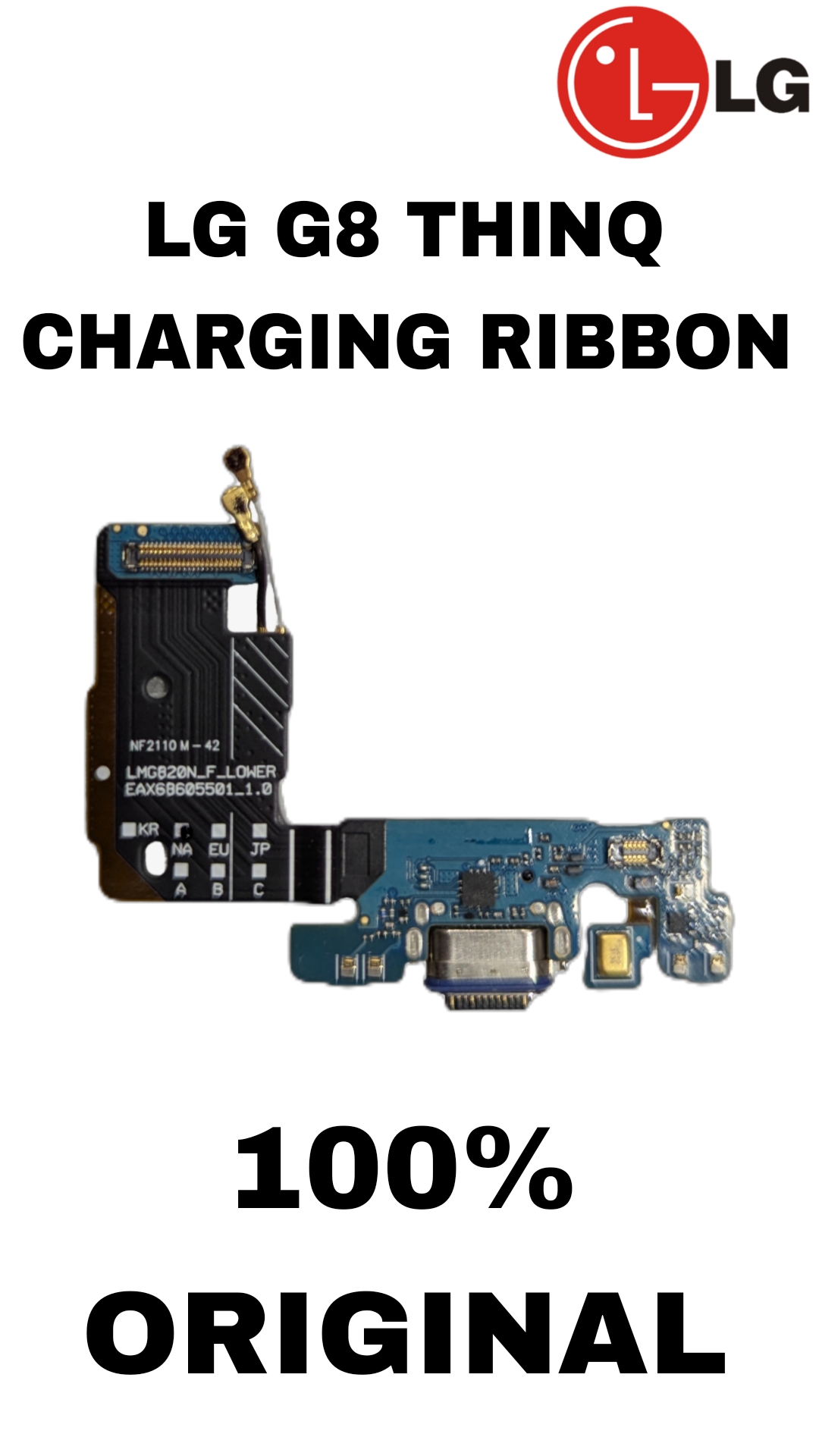
LG G8 ThinQ Original Charging Ribbon – Complete Detail
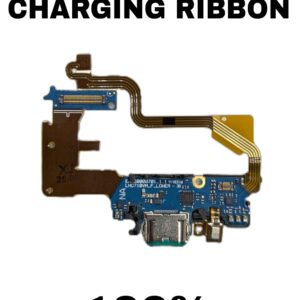
The LG G8 ThinQ Charging Ribbon (also called the Charging Port Flex Cable) is an important internal part of the phone. It connects the charging port to the motherboard and helps different phone functions work properly.
Main Functions of the Charging Ribbon
- Charging the Phone
- It transfers power from the USB Type-C charging port to the battery.
- Without this ribbon, the phone cannot charge properly.
- Data Transfer
- It allows USB data connection between the phone and computer/laptop.
- Fast Charging Support
- Supports original fast charging features of the LG G8 ThinQ.
- Microphone Connection
- In many LG phones, the bottom microphone is attached to this flex cable.
- It helps during calls, voice recording, and videos.
- USB Connectivity
- Helps detect USB accessories, OTG devices, and charging cables.
Why the Charging Ribbon Gets Damaged
1. Frequent Charging Cable Use
- Daily plugging and unplugging can loosen or damage the charging connector.
2. Water or Moisture Damage
- Water can corrode the charging port and ribbon contacts.
3. Dust and Dirt
- Dirt inside the charging port can damage pins and create connection problems.
4. Using Cheap Chargers
- Low-quality chargers may cause voltage issues and damage the flex cable.
5. Phone Falling or Pressure Damage
- A hard drop can crack or tear the ribbon cable.
6. Overheating
- Excessive heat during charging may weaken the flex cable circuits.
Signs That the Charging Ribbon Needs Replacement
- Phone not charging
- Slow charging
- Charger connects/disconnects repeatedly
- USB not detected on PC
- Fast charging not working
- Bottom microphone not working
- Loose charging port
- “Moisture detected” error continuously appearing
Original vs Copy Charging Ribbon
Original (OEM)
- Better charging stability
- Longer life
- Proper fast charging support
- Good microphone quality
- Safe for motherboard
Copy / Low Quality
- Slow charging issues
- Heating problems
- Weak connector fitting
- Can damage the motherboard over time
Important Note
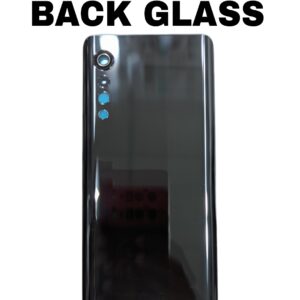
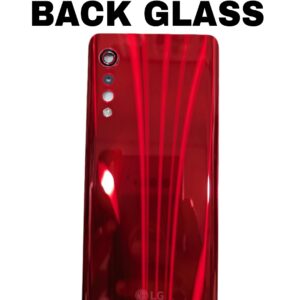
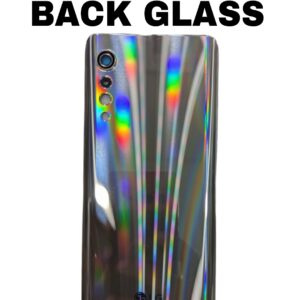
Changing the charging ribbon usually requires opening the phone, so professional installation is recommended to avoid damaging the battery, back glass, or motherboard.


Reviews
There are no reviews yet.